
What Makes a File “Print Ready” or “Camera Ready”
What makes a file “print-ready”
A print-ready file needs to meet some basic requirements:
Sufficient resolution for the chosen print size, a supported file format, an embedded RGB color profile, and a reviewed crop that matches your intent.
If any of these are missing, the final Banner may not match your expectations.
File formats we recommend. We accept several professional file formats.
JPEG: Best for most photography and artwork. High quality, smaller file size, easy to upload.
TIFF: Ideal for fine art and archival work when file size is not a concern.
PNG: Acceptable for artwork and graphics, especially when transparency is needed. Maintains crisp lines.
PDF: Print quality and compatibility.
EPS or CDR: Converted to curves/outlines. Scalability without losing quality.
Layered PSD files are not recommended unless specifically requested.
Resolution and Print Size:
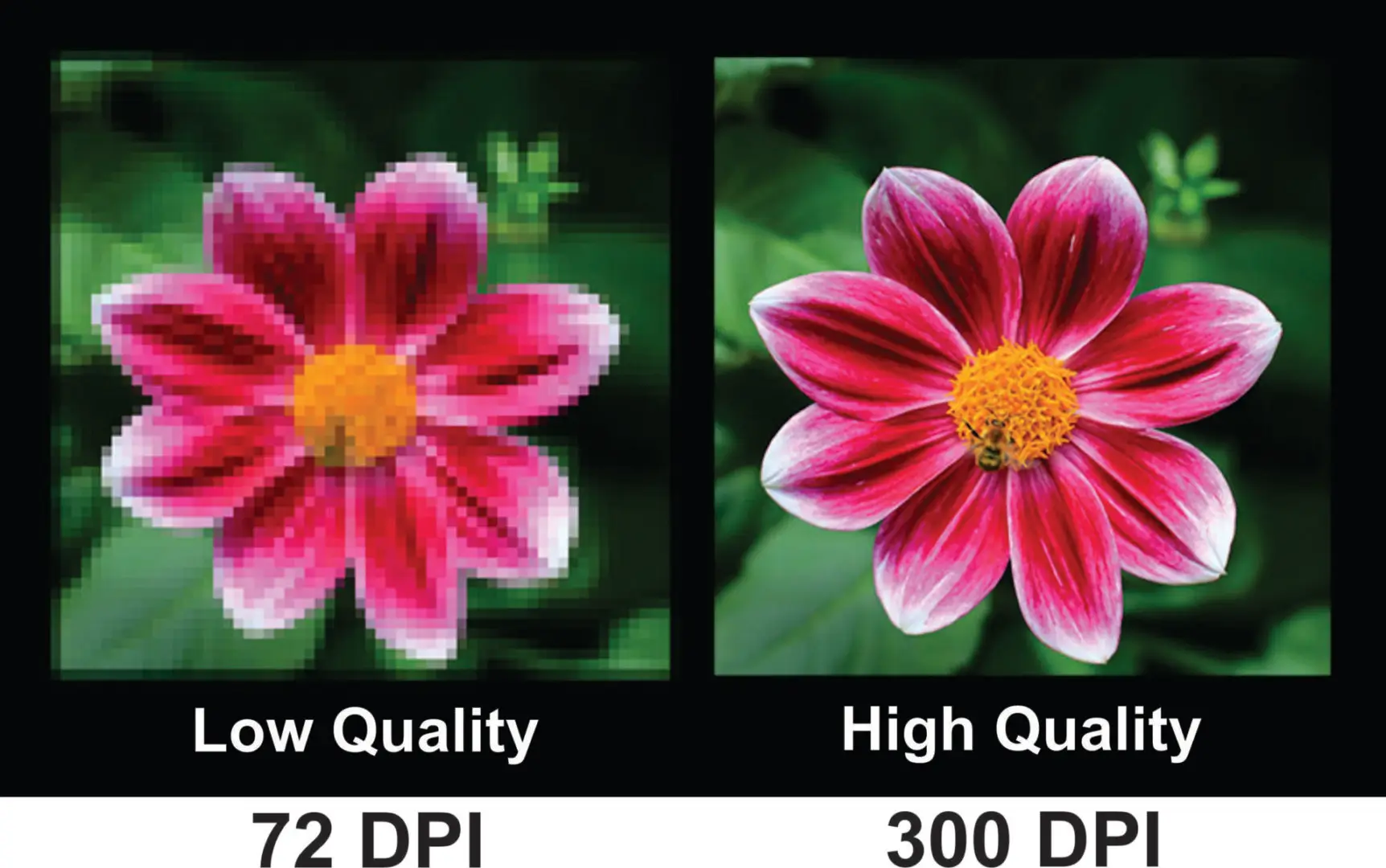
Resolution: While 72 DPI is standard for web, 300 DPI is required for print-on-demand.
Color Profile: For our Wide Format Printer CMYK is generally the best color profile for final production, as it matches the printer's ink set. Using Adobe RGB 1998 is also acceptable, no need to convert to CMYK.
File Size: Keep files below 10MB to avoid automatic, heavy compression
AI Upscalers: Tools like Topaz Gigapixel AI, Let's Enhance, or Upscale.media can increase resolution and sharpen details.
Canva: The "Image Upscaler" app in Canva can be used to improve image resolution.
Photo Editor: Use "Super resolution" in the Microsoft Photos app to enhance quality.
Avoid Using:
Do not use screenshots: Always export directly from the software you used to create it.
Do not use images downloaded from social media (Instagram, Facebook, etc.)
Do not use website images or “Save Image As…” files (usually 72 DPI exports) are low resolution and may be blurry.
Do not use phone photos of artwork (unless shot carefully in good light and high resolution).
If you’re not sure whether your file is strong enough for your intended size, check the pixel dimensions first (or contact us before ordering).
Print Size for best results, we recommend:
300 DPI at final print size for critical detail
200–240 DPI for large wall art viewed from a distance